Recover a compromised account and check that access is under control.
Changing a password does not close an incident on its own. Recovery should also review sessions, recovery channels and delegated access. Start with the provider’s official process and involve IT for a business account.
Distinguish an attempted sign-in alert from successful access. Record unrequested changes, sent messages, new devices and observed operations. An unusual location alone may reflect a VPN or imprecision.
2
Regain control
Open the official website directly from a trusted device. Use its hacked-account or recovery process. For a managed account, involve the administrator. Avoid links and numbers supplied by a supposed recovery agent.
3
Close unnecessary access
Follow the provider’s settings to change the password, remove unknown devices and revoke sessions. Check recovery email and phone, forwarding rules and authorised applications.
4
Protect dependencies
List accounts whose reset depends on this mailbox. Prioritise payments, administrative accounts and sensitive storage. Warn affected contacts if fraudulent requests were sent.
5
Check stabilisation
Record actions, reviewed access and new events. Recurrence, a suspect device or changed privileges calls for technical investigation.
Sessions, delegation and applications need separate checks
An open session, a forwarding rule and an authorised application are different forms of access. Settings and reset effects vary by service. Do not assume one action covers everything: consult documentation and record the checks actually completed.
For business email, ask the administrator to review delegation, rules, logs and permission changes. Coordinate before modifying organisational settings or evidence.
Choose protection and plan its recovery
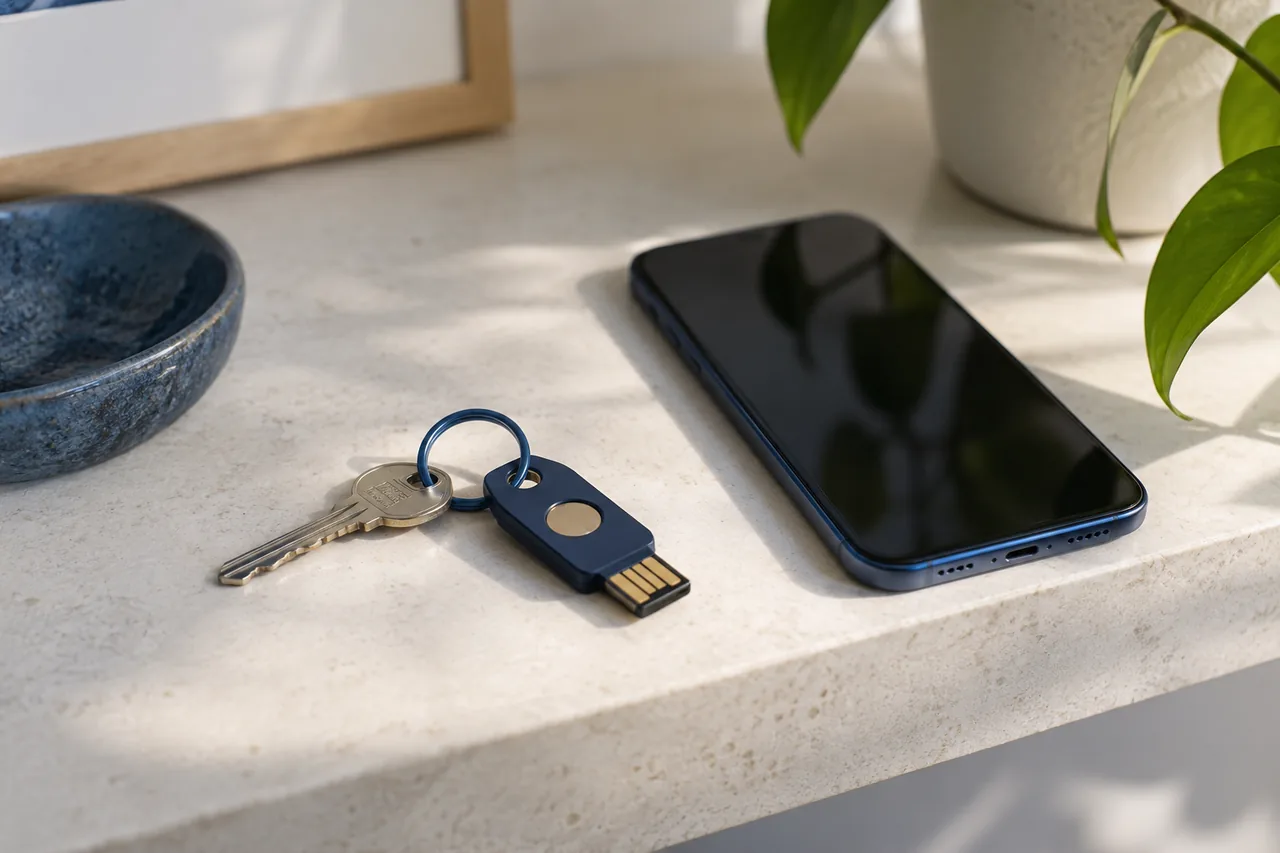
If the service supports it, choose a passkey or a WebAuthn-compatible security key. WebAuthn binds authentication to the verified domain of the service. A code you type, whether received by text or shown by an app, can be relayed in real time if you enter it on a fraudulent page.
Before replacing or wiping your main device, use the account settings to check that another sign-in method works, such as a second security key if the service allows one. Confirm you can still reach your recovery address and keep backup codes somewhere secure offline. After using a backup code, follow the service’s instructions for replacing it.
Close the incident using observable criteria
Closure means access has been reviewed, identified consequences addressed and known limitations accepted by an owner. It does not establish that all data was unaffected.
A short file can record the known start, last signs, actions, preserved logs, notified recipients and next review. If personal data is involved, have the responsible functions assess applicable duties.
Review access beyond the password
Depending on the service, sessions, devices, authorised applications and delegations are distinct access paths. Use official recovery and ask the administrator what needs revocation. Review recovery contacts and unexplained changes without disclosing codes to unconfirmed contacts.
Read logs without over-attribution
An IP address or approximate location does not prove who acted. Compare time, action, declared device and context. Recovering access does not prove there was no historical viewing; that question needs different evidence and expertise.
Worked example
The password changed, but a forwarding rule remains active
Fictional teaching case, not a client investigation.
Did recovery address the persistent access and changes actually identified?
Observation, interpretation and limit
Observation
What it establishes
What remains unproven
The user changes the password and can sign in.
New user access works in this test.
This does not establish that all sessions or applications were revoked.
An unknown forwarding rule appears in account settings.
An additional modification is visible within the examined scope.
Its author and exact activation period are unestablished.
The technical team reviews sessions, authorised applications and mail rules.
These points receive a documented check.
The result must specify each measure; the word “checked” alone is insufficient.
Conclusion to record
Recovery extends beyond the password. Record and address unknown access or settings with support, then review accounts and correspondence that may have been affected.
What would change the conclusion?
Close file items after confirmation of revoked sessions, corrected rules and agreed follow-up checks.
Check your reasoning
If only the rule’s discovery time is known, can you treat it as the start of access? Why not?
For each point, record what the material actually supports. “Supported” applies to the specific observation, not to the entire case. A contradiction needs explanation; missing material remains an open question.
Define the question
Record the source
Test the observation
State the limits
Entries stay in this page until you leave or reload it. Nothing is saved or submitted by this tool. Use neutral references instead of personal data or credentials.
How to write a useful conclusion
Editorial examples, not findings about your case
Material
Useful wording
Next check
One dated source
The consulted source stated X on the recorded date.
Check its origin and whether it still applies.
Multiple copies of one claim
Several pages repeat X; independent corroboration is missing.
Find the original and a source with independent evidence.
Conflicting sources
A states X while B states Y; the difference is unresolved.
Compare dates, scope, identifiers and definitions.
No matching result
No result was found in the recorded scope.
Describe queries, coverage and access limitations.
Common pitfalls
Four shortcuts that weaken the result.
Resetting then forgetting
Also check sessions and delegated access.
Paying for guaranteed recovery
Use official support rather than an unverified intermediary.
Deleting alerts
Keep the traces needed for the case.
Returning through a suspect device
Seek technical assessment if the device may be compromised.
Practical questions
Frequently asked questions.
Is the password enough?
No. Review the service’s access mechanisms, including sessions, recovery channels and authorised applications.
What if recovery fails?
Follow the provider’s official pathway and keep case references. Contact the administrator for an organisational account.
Does MFA prevent every incident?
No. Protection depends on method and context. It does not replace session review or device and support security.
Public references
These primary references support the checks described here. The sequence and working sheet are an IIS editorial method; a cited organisation does not endorse this guide. Read each reference within its stated date, jurisdiction and scope.
Microsoft — Account recovery. Reference for the technical fields and interpretation boundaries described in this guide.
Editorial scope
Published by Internet Intelligence Service on 3 October 2026. Last content update: 15 November 2026. This educational guide describes a lawful, defensive method. It is not legal advice, an emergency service or authority instruction.